Operation 13
Phantom Battery
The longest thread on the Steam forum belongs to this mission, and the frustration in it is justified — part of what made it feel impossible was a genuine bug. Here is what the mission is really asking, and the route players use to clear it.
First: make sure you are not fighting a bug
The developers confirmed a defect where replaying a mission left its timers misbehaving, and said it hit this operation hardest. A fix went to the testing branches. Before grinding at it, update, and start Phantom Battery fresh from the main menu rather than restarting from inside a failed attempt — the reported bad states come from in-mission restarts.
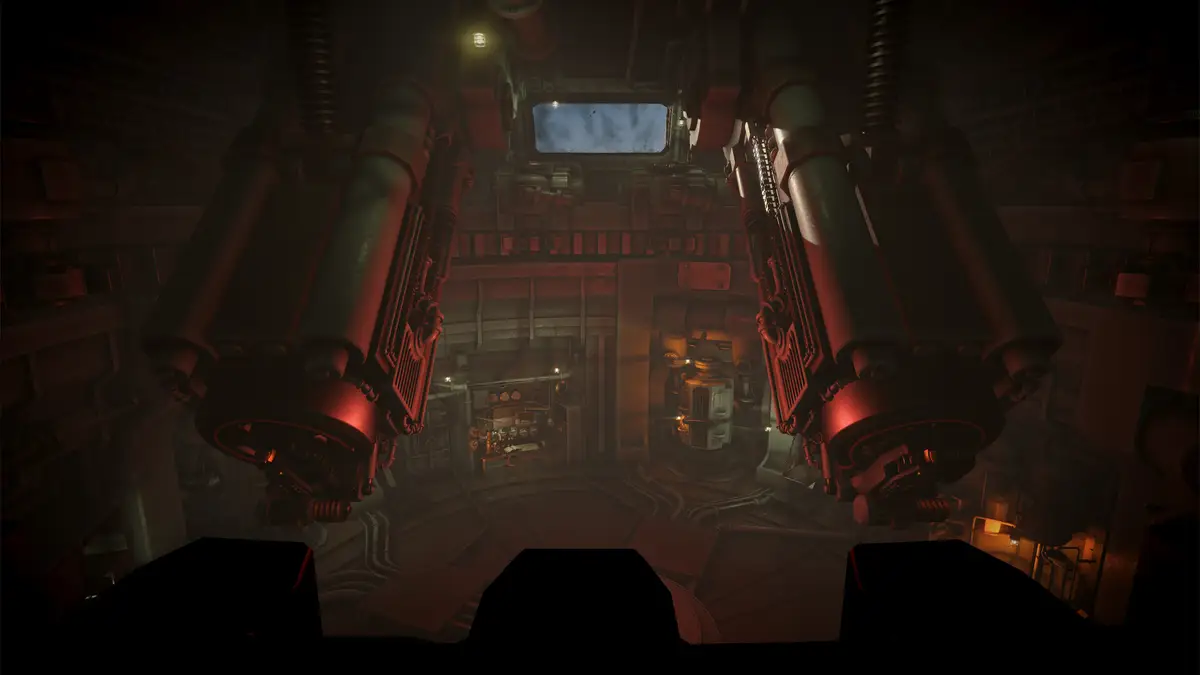
What makes it hard
You are under a counter-battery timer, hunting a battery that is not straightforwardly where the information says it is, while the timer keeps running and the workload per kill is large. Players measured roughly a ninety-second window per enemy killed and, quite reasonably, argued that is not enough time to plot, lay, load and fire.
It is enough — but only if you stop treating the timer as a fixed budget. It is not.
The timer is a resource, not a countdown
The mechanic the mission never explains: landing hits on the phantom battery pauses the counter-battery timer. Those pauses are where the mission is actually played. Reload during them, order supplies during them, request position reports during them, prepare the next reconnaissance flight during them.
Reframed that way, the loop is: buy time by hitting the battery, spend that time preparing the next hit. A run that fails is almost always a run that spent a pause standing still.
A route that works
This sequence comes from a player who posted it in the mission thread. It front-loads every purchase so that no pause is wasted on the console.
- Buy two AP shells for each barrel at mission start. Before anything else. AP is the round here — no burst radius to worry about and it does its work on a hardened position.
- Launch reconnaissance immediately, from F1. The flight is in the air while you do everything below, so its results arrive when you need them rather than after.
- Carry out the engine repair. Get it out of the way before the pressure starts.
- Trigger the emergency relocation. This is scripted work, not a dodge — do it early and on your own terms.
- Request two or three position reports to fix where you now are. You cannot draw a firing line from a position you do not know. See finding your own position.
- Load both barrels: AP plus three charges each. Three charges reaches 15 km, and its elevation shortcut is range in kilometres × 4 — the fastest mental arithmetic on the charge table.
- Identify the battery on the map and lay both barrels. Two independent elevation levers means both barrels can be set without re-laying the turret.
- Fire both, then watch for movement reports. The hit buys you the pause.
- Prepare the next reconnaissance flight during the wait — set up, do not send.
- When the relocation report arrives, launch the prepared flight immediately, then repeat from step 6.
The alternative: hunt the observers instead
A second school of thought skips the battery early on and goes after the forward observers. Players report that eliminating a spotter pays out close to the cost of an emergency relocation, which makes observers an income source rather than a distraction. Several can be taken in quick succession if you work out all the turret angles first and fire them as a planned sequence rather than re-laying between each.
This is the same principle as the scored version of Counter-Battery: plan the whole volley before the first shot, because sequencing saves more time than accuracy does.
Old photographs will lie to you here
The battery relocates. A reconnaissance photo shows where things were when the shutter opened and nothing more, so a photo taken before a relocation report is actively misleading — it will show you a position that is now empty with complete confidence. That is why step 9 above prepares a flight but does not send it. More on recon timing.
Before you try again
- Recon planes — routing, cost, and staleness
- Shell types — why AP, and when to probe instead
- Ballistic calculator — for the three-charge solutions
- The full mission list
Sources for this mission
- Steam thread — Phantom Battery — The longest mission thread on the board; decoy behaviour and player solutions.
- Global achievement stats, Steam — The authoritative mission list and the completion percentages used for the difficulty ranking.
The route above is a player-posted solution, and the timer behaviour is player-observed rather than documented by the developers. The one first-party fact here is the acknowledged replay timer bug and its patch. Mission tuning changes; the linked thread is where any correction will surface first.
Last updated .